
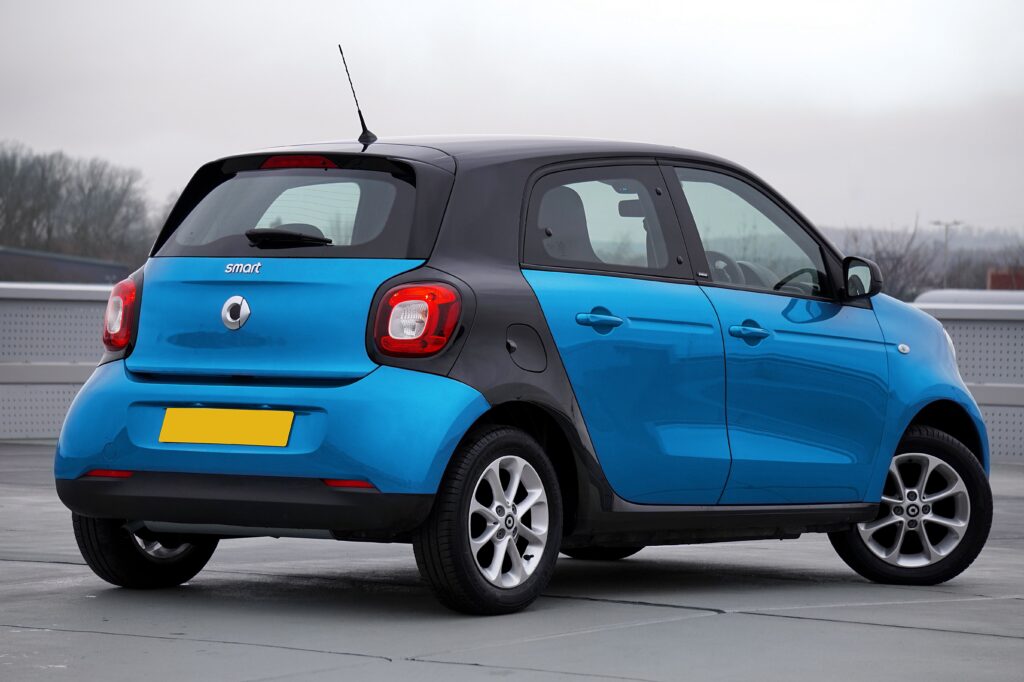
Booking rent car dubai can place travellers behind the wheel of a vehicle equipped with technology they have never used before. Touchscreen controls, parking cameras, driver-assistance systems and connected phone features can make a journey more convenient, but only when the driver understands what each feature does—and what it cannot do.
The collection area is the right place to learn the system. Experimenting with unfamiliar controls after joining traffic creates distraction and may lead to incorrect assumptions about the vehicle’s capabilities.
Digital Instrument Displays
Traditional dials are increasingly replaced or supplemented by configurable digital displays. Depending on the model, the screen may show speed, fuel or battery level, navigation prompts, tyre warnings and driver-assistance information.
Before moving, identify the permanent safety information and any elements that change with the selected driving mode.
Do not customise the display while driving. A visually impressive layout is not necessarily the clearest one. Select a configuration that makes the speed, remaining range and essential warnings easy to read.
Some vehicles display speed-limit information detected by a camera or obtained from map data. This can be useful, but it may not always reflect temporary signs or recent changes. The driver remains responsible for observing actual road signs.
Parking Cameras and Sensors
Parking technology can be particularly useful in unfamiliar vehicles. Rear cameras, surround-view systems and proximity sensors help drivers judge spaces that may be difficult to see directly.
These systems are aids, not substitutes for observation.
A camera may not clearly show:
- low obstacles;
- narrow posts;
- objects outside its field of view;
- pedestrians approaching from the side;
- dirt obscuring the lens;
- the full height of an overhead structure.
Check mirrors, look around the vehicle and move slowly. Warning tones may change in speed and intensity as the car approaches an object, but the exact distance represented by each tone varies between models.
Test the system in the collection area before relying on it in a busy car park.
Adaptive Cruise Control
Some vehicles can automatically adjust speed to maintain a selected distance from traffic ahead. This feature is commonly known as adaptive cruise control.
Its behaviour differs between manufacturers. Certain systems operate effectively at lower speeds, while others are intended primarily for steady motorway driving. Some can bring the car to a complete stop; others may require the driver to take control.
Adaptive cruise control does not understand every traffic situation. It may react differently to vehicles entering the lane, stopped traffic, motorcycles or unclear road markings.
Keep hands ready, maintain attention and follow the vehicle’s instructions. The driver must intervene whenever conditions require it.
Ordinary cruise control does not automatically preserve distance at all. Confusing the two technologies can create serious risk.
Lane Assistance
Lane-departure warnings may alert the driver when the vehicle begins to leave its lane without an indicator. More advanced systems can apply steering input to help maintain position.
The feature may use vibrations, sounds, dashboard symbols or physical steering corrections. Learn which response the vehicle provides before departure.
Lane assistance can become less reliable when:
- road markings are faded;
- lanes merge;
- construction changes the route;
- bright light or dirt affects sensors;
- the road layout becomes complex.
The driver should continue steering normally rather than waiting for the vehicle to correct its position. Indicators must be used when changing lanes.
If the steering response feels unexpected, stop safely and ask the rental provider to explain the system rather than disabling unfamiliar functions while moving.
Automatic Emergency Braking
Automatic emergency braking may detect a possible collision and warn the driver. In certain conditions, it can apply the brakes when the driver has not responded.
The availability of this feature does not justify following another vehicle more closely or paying less attention. Detection performance varies according to speed, visibility, sensor condition and the type of obstacle.
Drivers should maintain a safe following distance and brake normally when needed. Safety technology is designed as an additional layer of protection, not as permission to take greater risks.
Dashboard messages relating to blocked sensors should not be ignored. Contact the provider if the warning remains active or the system appears unavailable.
Blind-Spot Monitoring
Blind-spot systems commonly use warning lights in or near the side mirrors to indicate that another vehicle has been detected in an adjacent area.
The warning may become more urgent when the indicator is activated. However, the system may not detect every motorcycle, fast-approaching vehicle or object under all conditions.
Check mirrors and perform the appropriate visual check before changing lanes. A dark warning light does not guarantee that the adjacent lane is clear.
Passengers should avoid covering sensors or hanging objects where they interfere with visibility around the mirrors.
Keyless Entry and Start
Keyless systems allow the vehicle to unlock or start while the key remains in a pocket or bag.
This convenience can create new ways to lose track of the key. Establish one secure storage place and avoid leaving it inside the vehicle or among luggage being unloaded.
Before walking away:
- confirm that the engine has stopped;
- take the key;
- close all windows;
- lock the vehicle;
- check for a visual or audible locking signal.
Some cars remain unusually quiet when stationary, particularly hybrids and electric models. Do not assume the vehicle is switched off merely because the engine cannot be heard.
Smartphone Integration
Apple CarPlay, Android Auto, Bluetooth and manufacturer-specific systems can provide navigation, music and hands-free calling. Pairing a personal phone may also transfer contacts, recent calls, messages and destination history.
Review every permission request. Playing audio does not necessarily require sharing an entire contact list.
Set up the connection while parked. Trying to resolve pairing problems in traffic can be more distracting than using the phone itself.
At the end of the rental:
- Delete the paired device from the vehicle.
- Remove the vehicle from the phone’s connection list.
- Clear saved destinations.
- Delete temporary driver profiles.
- Sign out of connected applications.
- Check all USB ports for cables and adapters.
A full factory reset should not be performed without permission because it may remove settings required by the rental provider.
USB Ports and Wireless Charging
Vehicles may contain a combination of USB-A, USB-C and wireless charging. Some ports provide power only, while others also connect the phone to the infotainment system.
Carry a compatible cable and a backup. Do not assume that a cable included with one device will suit the vehicle.
Wireless charging can generate heat, especially when navigation and mobile data are active. Direct sunlight may increase the temperature further.
If a phone becomes unusually hot, stop charging and move it away from the sun. Allow it to cool naturally. The device should not be left in a parked car, where cabin temperatures can rise quickly.
Charging cables must be positioned away from the steering wheel, gear selector and pedals.
Automatic Climate Control
Automatic climate control maintains a selected temperature by adjusting fan speed and airflow. Dual- or multi-zone systems allow occupants to choose different settings.
A driver unfamiliar with the system may mistake automatic changes for a fault. Learn how to adjust temperature, fan direction, recirculation and windscreen demisting before leaving.
Air conditioning is essential for comfort and concentration in Dubai. Covered parking can reduce the initial heat load, but passenger safety should always take priority over energy saving.
Never leave children, animals or anyone requiring assistance inside a parked vehicle, even for a short period.
Drive Modes
A vehicle may provide Eco, Comfort, Sport or other modes that change accelerator response, transmission behaviour, steering weight or climate settings.
Use the standard or comfort setting until the car feels familiar. A mode name does not guarantee identical behaviour across different models.
Eco mode cannot compensate for aggressive acceleration or poor route planning. Sport mode does not transform a public road into a track.
If the vehicle includes terrain or off-road modes, their presence does not mean off-road use is permitted. Rental and insurance conditions determine where the car may be driven.
Hybrid and Electric Displays
Hybrid and electric vehicles may show energy flow, regenerative braking and estimated remaining range.
The range figure is a calculation, not a guarantee. Speed, temperature, air-conditioning demand, passenger load and driving style can all affect actual consumption.
Before choosing an electric vehicle, confirm:
- charging connector compatibility;
- accessible charging locations;
- expected charging speed;
- included cable;
- payment or application requirements;
- required battery level at return.
Do not plan a longer journey around the vehicle’s theoretical maximum range. Maintain a reserve and identify more than one charging option.
Over-the-Air and Software Features
Modern vehicles increasingly depend on software. Some settings, interfaces and feature behaviour can change after updates.
Travellers should not install updates, create permanent accounts or purchase connected services in a rental car without authorisation.
If the system requests an update, contact the provider. Starting a large installation shortly before departure could temporarily disable functions or take longer than expected.
Software problems should be documented and reported rather than addressed through unofficial modifications.
Complete a Five-Minute Technology Check
Before the first drive, confirm that you can operate:
- lights and indicators;
- windscreen wipers;
- climate control;
- parking brake;
- gear selection;
- parking cameras;
- navigation audio;
- hazard lights;
- fuel cap or charging port;
- emergency contact procedure.
Ask the provider to demonstrate anything unfamiliar. Five minutes spent learning the interface can prevent distraction throughout the rental.
The smartest feature in any vehicle remains an attentive driver. Technology can improve awareness, convenience and comfort, but it cannot take responsibility for speed, distance, lane choice or changing road conditions. Understand the tools, use them conservatively and remain prepared to drive without their assistance.